
A companion with character.
Voice, expression, and a little personality. Choose a companion, or bring your own Live2D or VRM character.

Evi OS stands for Emotional Visual Interface Operating System. A personal AI companion designed to listen, respond with empathy, and make ideas visual.
Talk through an idea. See how it works. Make something useful, with Evi beside you.
A conversation can become something you can see, explore, and use.
MAKE YOURSELF AT HOME“Why is a year longer on Mars?”
Orbit sizes are illustrative. Year lengths rounded. NASA reference ↗
“Make me a little planner for today.”
A little progress goes a long way.
A working, prepared example. Changes stay in this preview and reset on reload.
Pearl. A little light for your ideas.
PREPARED EXAMPLES · REAL CONTROLSAsk a question. Explore the answer. Make something you can use.
Visual answers with OpenIntelligentUI ↗ · App interfaces with OpenUI ↗From a question to a plan. From a thought to something real. Evi brings conversation, a visual canvas, and your everyday tools into one workspace.
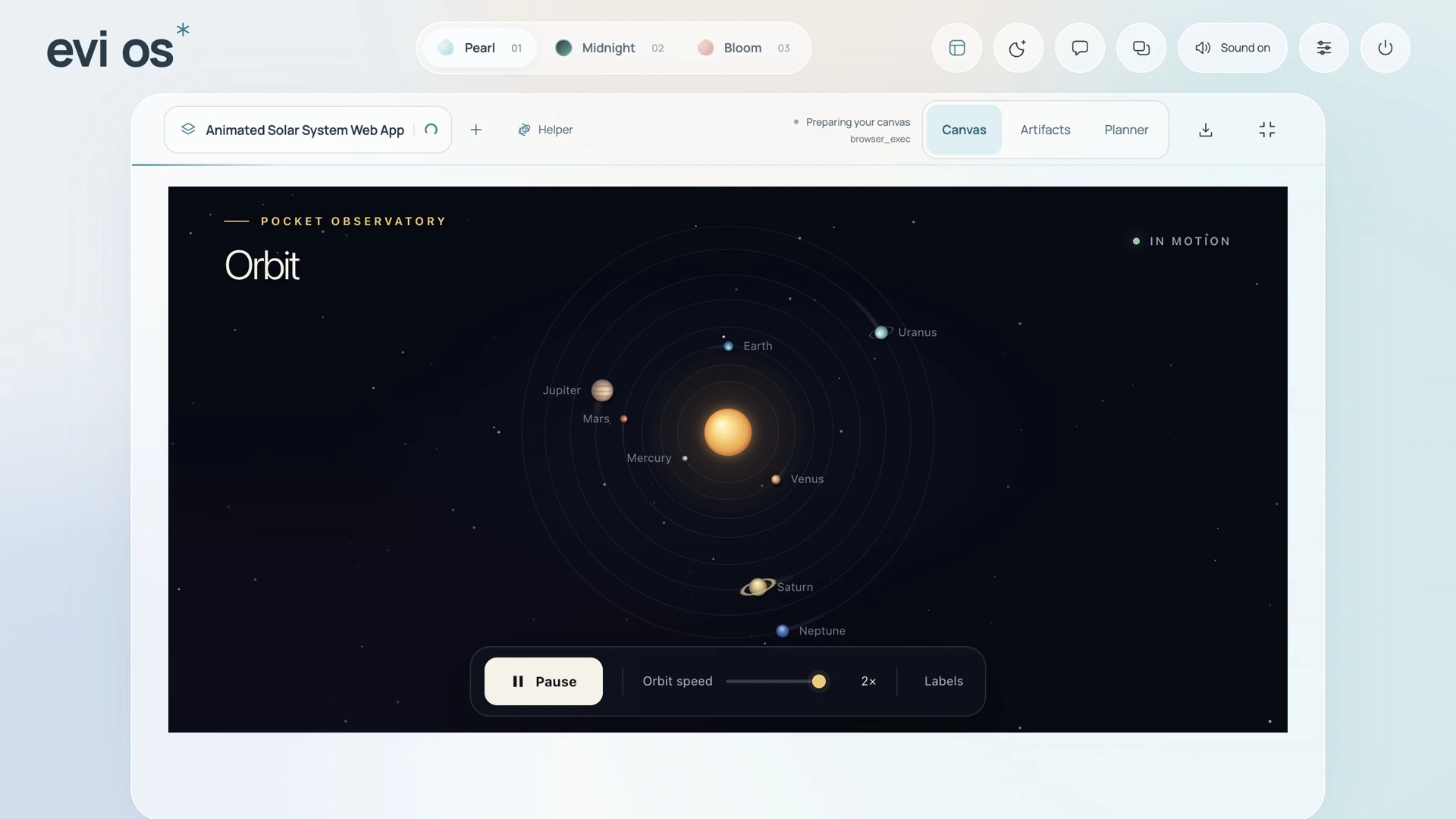
Make something from a conversation. Explore an idea, build a small app, or bring an answer to life on your canvas.
Evi workspace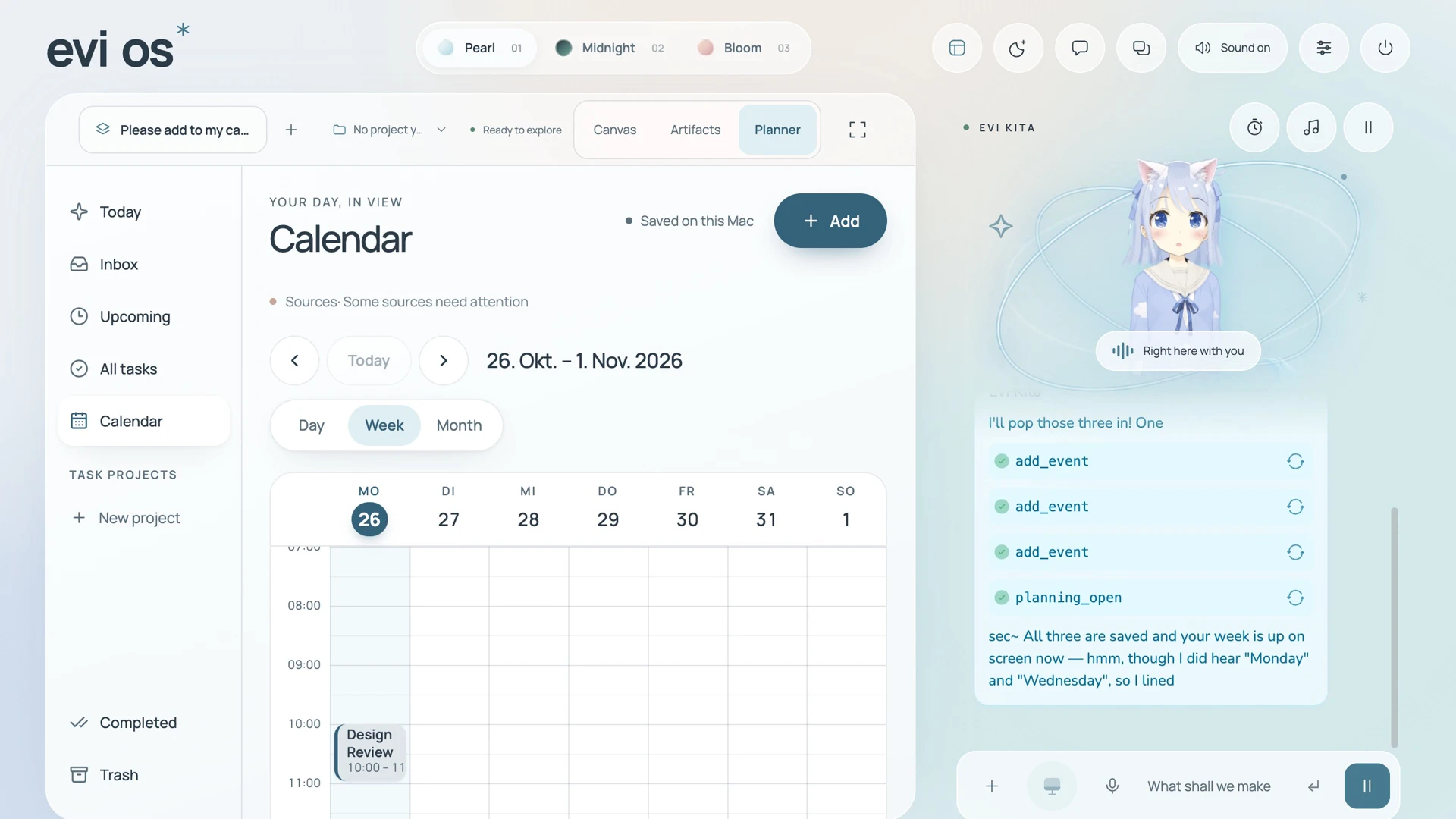
A little less to keep in your head. Bring your plans, tasks, and reminders into one place.
Evi planner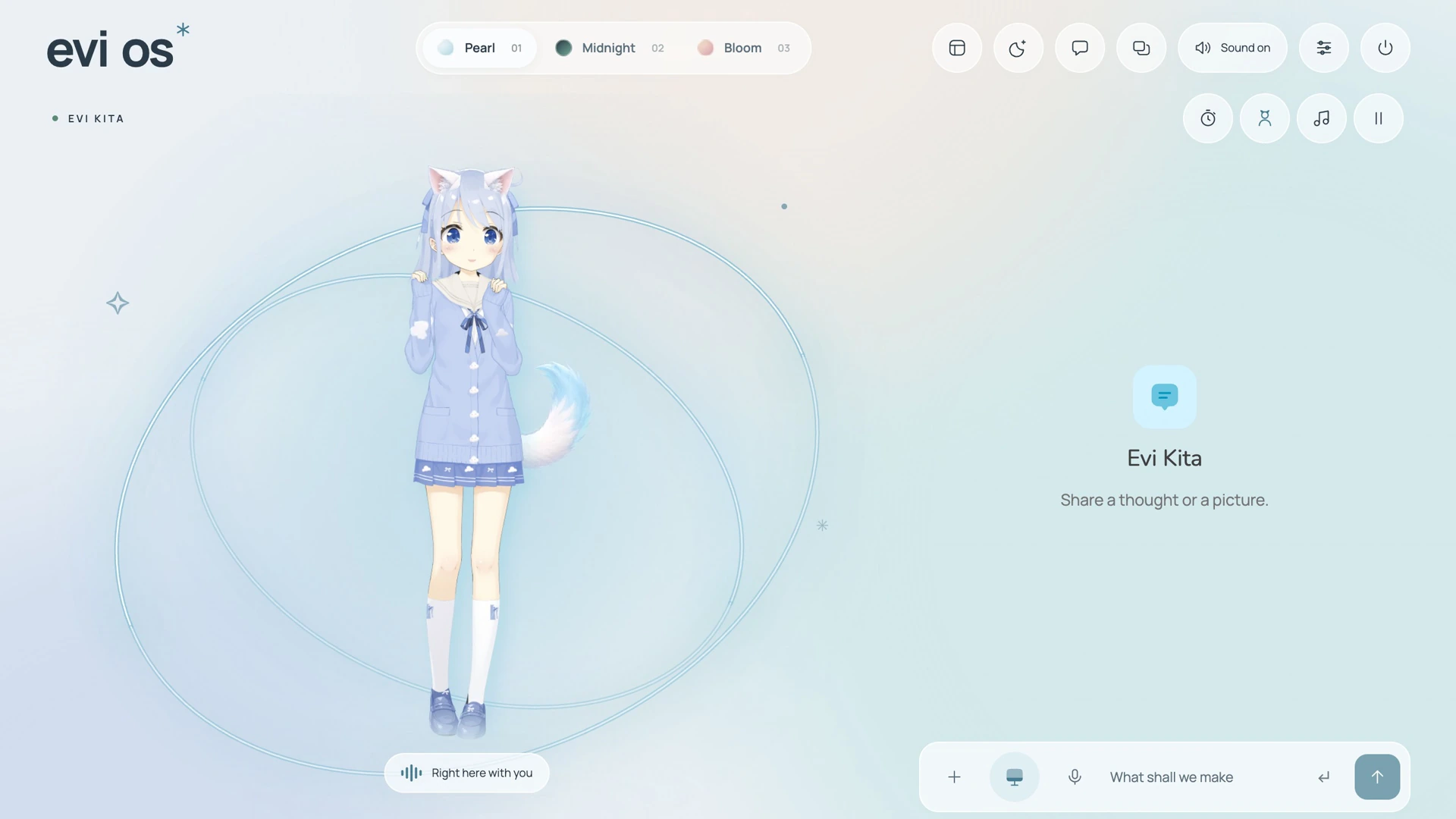
Some thoughts are better out loud. Talk by voice or text, with a character that feels like your own.
Evi companionVoice, expression, and a little personality. Choose a companion, or bring your own Live2D or VRM character.
Memories help Evi pick up the thread, from the way you like to work to the things you care about.
Connect tools like Hermes or Claude Code to help turn your ideas into documents, useful apps, and more.
The workspace. The companion. The possibilities.
Your workspace starts on your Mac. You choose your AI model, the apps you connect, what to share with them, and whether to enable Cloud sync. Evi is open source, so the experience stays yours to shape.
Explore the sourceUse a supported local model or an AI provider you trust. You decide where your AI requests are processed.
Add tools like Hermes or Claude Code when you want them. You choose which services are part of your Evi.
Keep your workspace on your Mac or sync to your own Evi Cloud server. Our optional hosted Cloud is coming soon.
Choose a character, personalize your setup, or change the code. Evi OS is free and open source under the MIT License.
A personal companion. A local-first workspace. Evi OS means Emotional Visual Interface Operating System: empathy, expression, and visual answers, with you deciding what to connect and share.
Your AI, Three approaches. |
Evi OS Emotional Visual Interface Local first. Your choice. |
ChatGPT Dots By OpenAI |
Muse By Meta |
|---|---|---|---|
| Privacy | Local first. You decide what to share.Your workspace stays on your Mac in Local mode. You choose the AI providers and tools you connect, what to share with them, and whether to enable Cloud sync. | Works on a cloud computer. You choose connected apps, manage permissions, and set rules for actions. | Runs in a dedicated cloud VM. You choose connected services and approve critical actions. |
| At its heart | Personal connection, by design.An expressive companion to think, talk, and create with. A familiar presence in your everyday. | An always-on agent that moves your projects forward between conversations. | A personal agent that turns goals into plans and gets things done across your apps. |
| The response | Emotion. Expression. Understanding.Designed to respond to what you share with empathy, character, and answers you can see and explore. | Shares progress on your responsibilities, brings work to review, and asks for your input. | Works toward your goals across connected apps, with approval for critical actions. |
| Your avatar | Your character. Your Evi.Create your own character and bring it to life as a compatible Live2D or VRM model. | Customize your dot’s shape, color, eyes, glasses, and accessories. | Create your Muse’s avatar, give it a name, and choose its personal style. |
| Your AI & tools | Open source. Yours to change.Choose supported models and providers, connect tools, or change the code. Free under MIT. | Powered by GPT-6 Astra, with Codex and connected tools in ChatGPT. | Powered by Meta’s Muse models, with connected apps and tools it can build. |
| Memory | Your memories and conversations, stored locally unless you link Evi Cloud. | ChatGPT memory, saved notes, preferences, and context from connected tools. | Personal context from conversations. You can tell Muse to forget things. |
| Where it lives | At home on your Mac.Optional self-hosted sync. Hosted Evi Cloud is coming soon. | Its own cloud computer, reached through ChatGPT. Connecting your computer is optional. | A dedicated Muse Secure VM in the cloud, with mobile, Mac, and web access. |
Opening up is your choice. Remote AI providers receive the requests you send; enabling Cloud sync shares supported data with your linked server. Choose supported local providers for processing on your Mac.
Evi artwork: Evi Kita. Dots and Muse are shown as independently AI-generated likenesses, not official product images. No affiliation.
Evi Cloud is coming soon.
Your Evi, beyond your desktop.
Optional hosted Evi Cloud will make it easier to keep your companion, conversations, and creations close when you step away from your Mac.
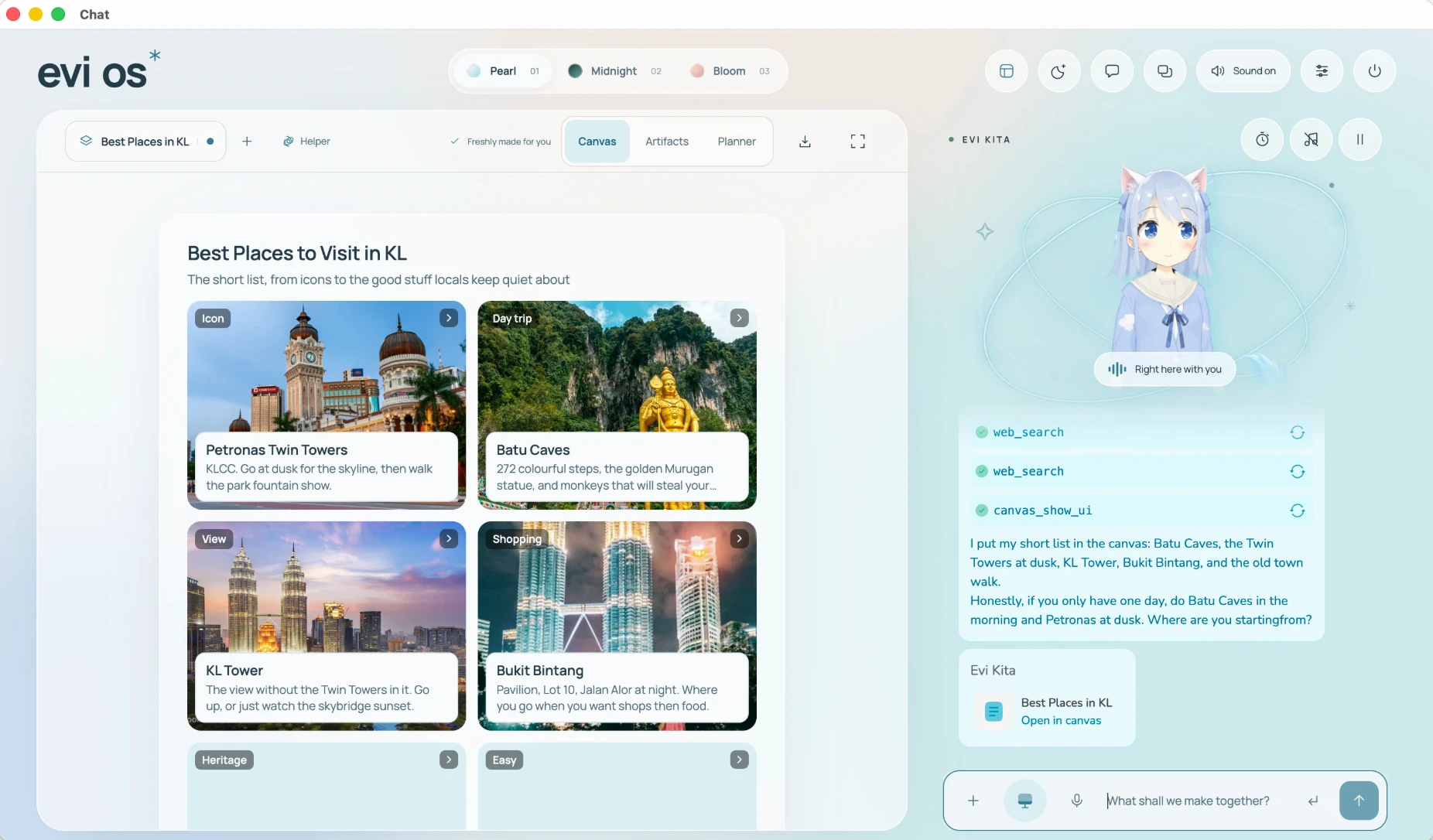

Sync conversations, memories, plans, and saved creations across linked devices, with hosted storage.
Reach Evi through Telegram. Keep talking, receive reminders, and get results away from your desk.
Connect Hermes for longer jobs. Use Claude Code on your Mac, with more harness connections planned.
Always optional. Keep Evi local, self-host Evi Cloud, or choose our hosted service when it launches.
Explore self-hostingStart with the free desktop app. Add the convenience of Cloud only if it fits your life.
Free & open source
Your own AI companion, right on your Mac.
Apple silicon Macs (M1 or newer). AI provider fees may apply.
Less setup. More continuity.
Our hosted service, for an easier way to stay connected.
Hosted access and pricing will be announced at launch.
Yes. Evi OS is free to download and use, and the desktop app code is open source under the MIT License. You choose and configure your AI provider; paid models, voice services, or connected tools can have their own costs. Hosted Evi Cloud will be a separate, optional service.
No. You can use Evi on your Mac without linking to Evi Cloud. Cloud adds storage and sync across linked devices, Telegram access, and server-side workflows when configured. You can self-host it, or choose our hosted service when it launches.
In Local mode, Evi keeps workspace data on your Mac and does not sync it to Evi Cloud. Cloud mode syncs supported data, including memories and conversations, to your linked server. Requests sent to AI providers, Telegram, or connected tools are handled by those services. Choose local providers where supported if you want processing on your own machine.
Evi supports connections to Hermes and Claude Code. They require their own installation or service setup and any relevant accounts. Evi Cloud supports configured Hermes jobs through Telegram. More harness connections are planned, and the open-source code lets you build your own integrations.
The current download targets Apple silicon Macs, M1 and newer. Intel Mac, Windows, and Linux builds are not currently offered. Check the release notes for the requirements of each version.
Yes. Evi supports Live2D and VRM characters. The character shown on this page is Evi Kita; public builds currently start with the Live2D Hiyori sample. You can import a compatible model of your own, subject to its license.